How to Start a Faceless YouTube Channel in 2026
I thought I would put everything I have learned over the last 1.5 years into one single post.
This is not the only way to build a faceless YouTube channel, and I am definitely not claiming to have all the answers. There are creators much bigger than me who will have completely different workflows. This is simply what has worked for me after publishing 1000+ videos, making mistakes, burning money, and slowly refining the production process.
If I had to start again from zero today, this is almost exactly how I would do it.
1. Your niche matters more than the AI tools you use
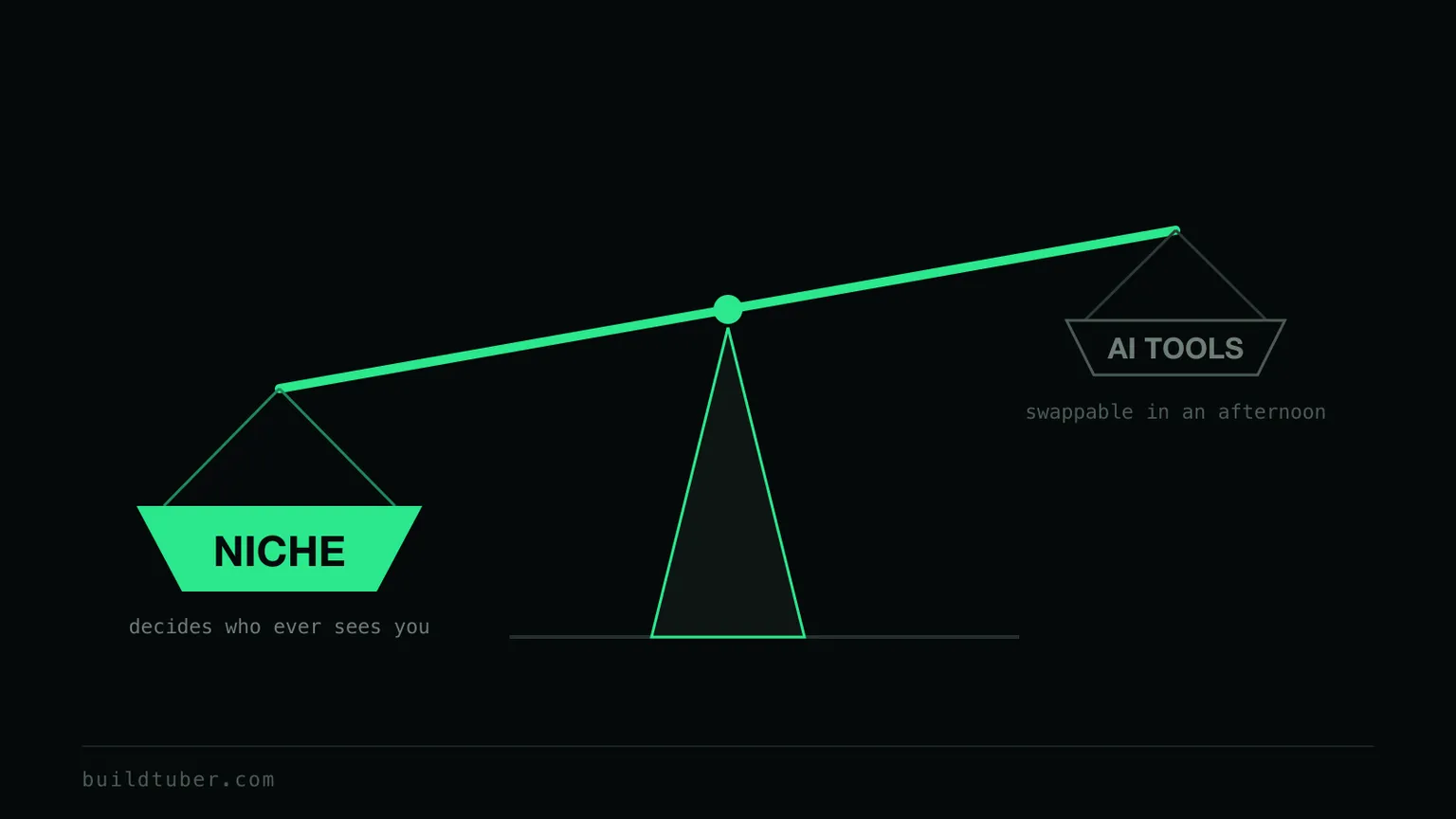
Start by opening a brand new Google account with no browsing history and search for your interests. See what kind of videos are being made and getting the most views. How long are they? What kind of titles are being used? Look at the thumbnails. Notice which topics keep appearing over and over again. If you see a significant number of new channels, under 1000 subs, getting insane views, that is the one you need to bookmark.
Make a list of 5 to 10 such channels and save them on a Google Sheet. Obviously there are many paid tools to make this process faster but you may not need it while starting out. Decide whether you want to start a Shorts, long-form (5 to 20 minutes) or ultra long-form (1.5 to 3 hours) videos channel.
If you are still stuck on which space to pick, I wrote up the five advantages I judge a niche on separately.
2. Finalise 10 video ideas
Once you have the niche and format sorted, check which of the topics in your competitor channels are getting the most outliers. Stop trying to be original and also stop copying blindly. 100% originality especially in the beginner stages will get you nowhere. And copying the exact title verbatim may get you some views but you will not go far with that strategy.
Copy the title format but apply your own angle to it. Certain words consistently generate curiosity. Your job is to understand what already works, then bring your own perspective to it.
3. Packaging: titles and thumbnails
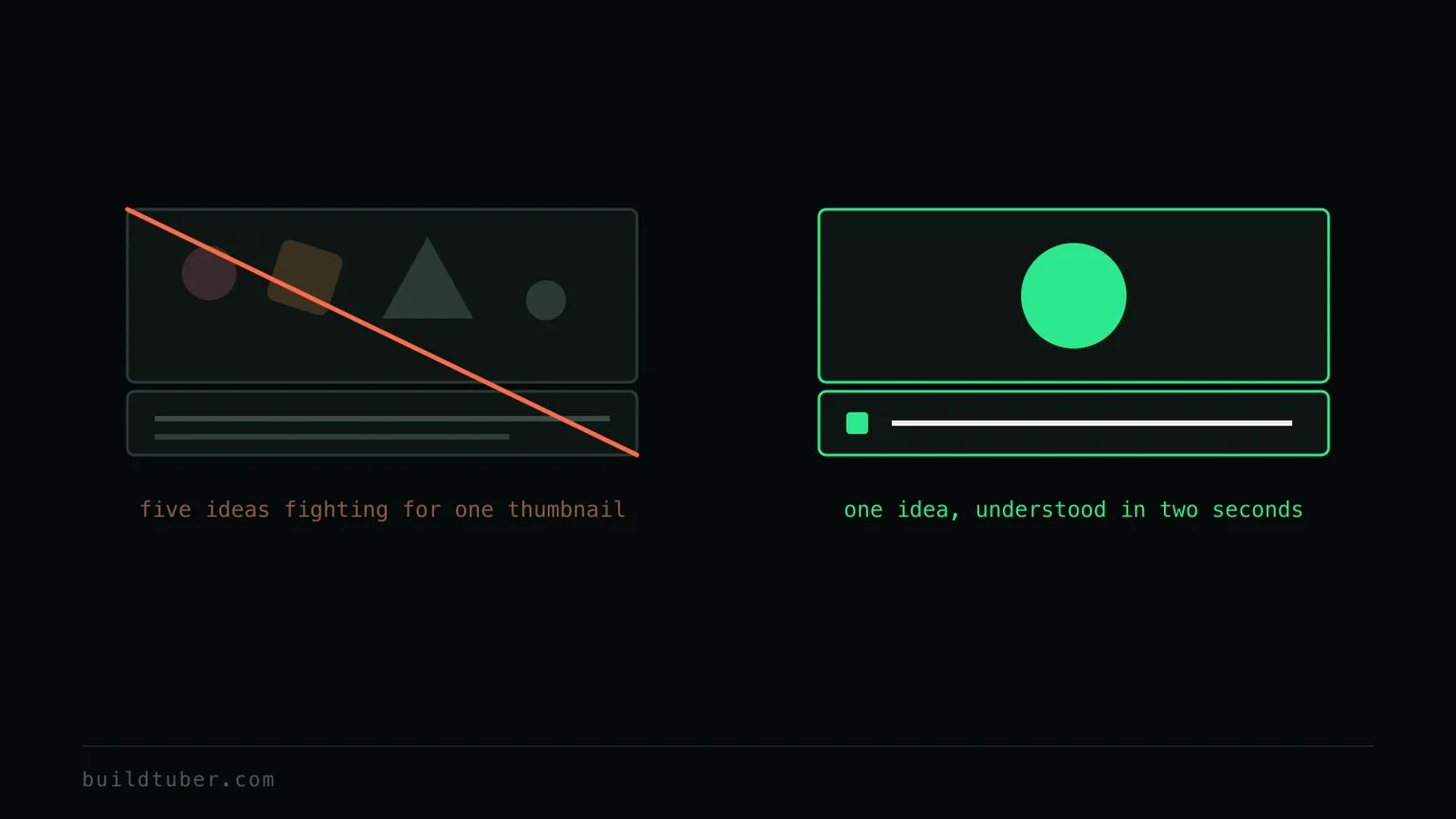
Remember, people do not click videos. They click ideas. The title and thumbnail together should communicate one clear idea and create enough curiosity for someone to stop scrolling. If your thumbnail is trying to explain five different things, or your title is too clever to understand in two seconds, you have probably made it too complex.
The easiest way to improve is to study your competitors. Save thumbnails that immediately grab your attention. Ask yourself why you clicked them. Was it the emotion? The contrast? A number? A surprising statement? Over time you will start noticing that almost every niche has its own visual language. And if you are looking for a tool, ChatGPT has become very good at generating thumbnails now.
Packaging is the one thing you can fix after publishing, and it is usually the cheapest fix available to you.
4. Scripting
Claude has been the best tool for me so far. ChatGPT is great for brainstorming, criticizing and improving ideas, but when it comes to writing long, natural scripts, Claude usually gives me better output.
The laziest way to start is to take the transcript of an outlier video in your niche, paste it into Claude, and ask it to write something similar for your topic. This can work once or twice, especially when you are just trying to understand the format. But if that becomes your entire strategy, you will get stuck very quickly. You need to slowly develop your own scripting framework, otherwise every new video becomes a fresh struggle. That framework tends to arrive in stages, and I have written up the five levels of using an AI script writer separately.
The first 30 seconds decide whether the viewer stays or leaves. Study the hooks of outlier videos. See how they open curiosity, create tension, or make the viewer feel like they need to keep watching. Most bad scripts fail before the actual content even begins. If you want to see what that looks like at full length, I broke down how I generate a 15,000-word documentary script section by section, along with what it actually costs.
5. Voiceover
ElevenLabs is still the gold standard, and nothing else I have tried really comes close in terms of natural pacing, emotion and pronunciation. There are cheaper alternatives and even some free options built into tools like CapCut or Google AI Studio, but if your budget allows it, I would choose ElevenLabs any day. Especially for videos under 20 minutes.
You can now generate your own AI voice from a text prompt. Earlier, everyone was using the same voices from the library, which meant you could instantly recognise them across dozens of YouTube channels. Now you can simply describe the kind of narrator you want, whether it is a calm British historian or a warm conversational storyteller, and ElevenLabs will generate a unique voice for you. It gives your channel a much stronger identity instead of sounding like every other AI channel on YouTube.
6. Visuals
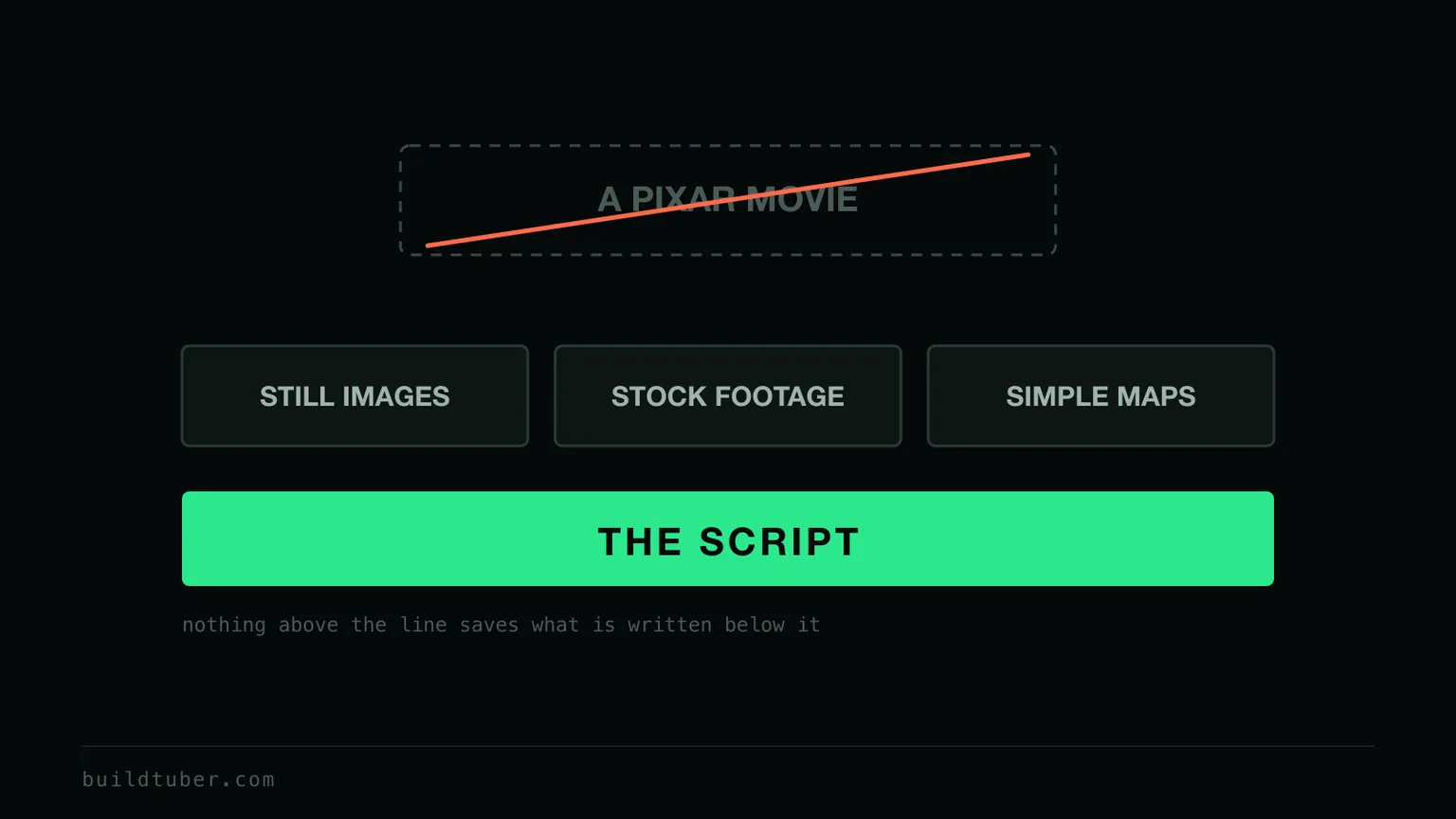
Do not try to build a Pixar movie. Build a video that supports the script. If you are making sleep documentary style videos, a combination of AI generated images, stock footage and simple maps is more than enough. If you are making explainer videos, image slideshows and simple animations work much better than constantly throwing flashy effects on the screen. Every niche has its own visual language, so spend time studying how the top channels in your space present information instead of trying to reinvent everything.
ChatGPT, Leonardo AI and Runware are all solid options. For AI video generation, Veo 3, Seedance and Kling are really good. But only use them where they genuinely add value instead of trying to generate every single scene.
7. Stitching everything together
This is probably the least exciting part of the entire process, but it is also the part where your video finally comes to life. CapCut is the best option for most faceless creators. The learning curve is small, it is stable, the AI features keep improving, and it can comfortably handle almost everything you will need in the beginning. It used to be completely free, but many of the useful AI features are now behind the paid version.
Once your script, voiceover and visuals are ready, you are mostly dragging clips onto the timeline, trimming them, matching them with the narration and exporting the final video. There are tools and workflows that can take over a large part of this, and I have built a few of my own over time. But if you are just starting out, I would actually recommend doing everything manually first. You cannot sensibly decide which parts of your production stack are worth building until you have felt which parts are slow.
8. Do not let the demonetisation wave stop you from starting
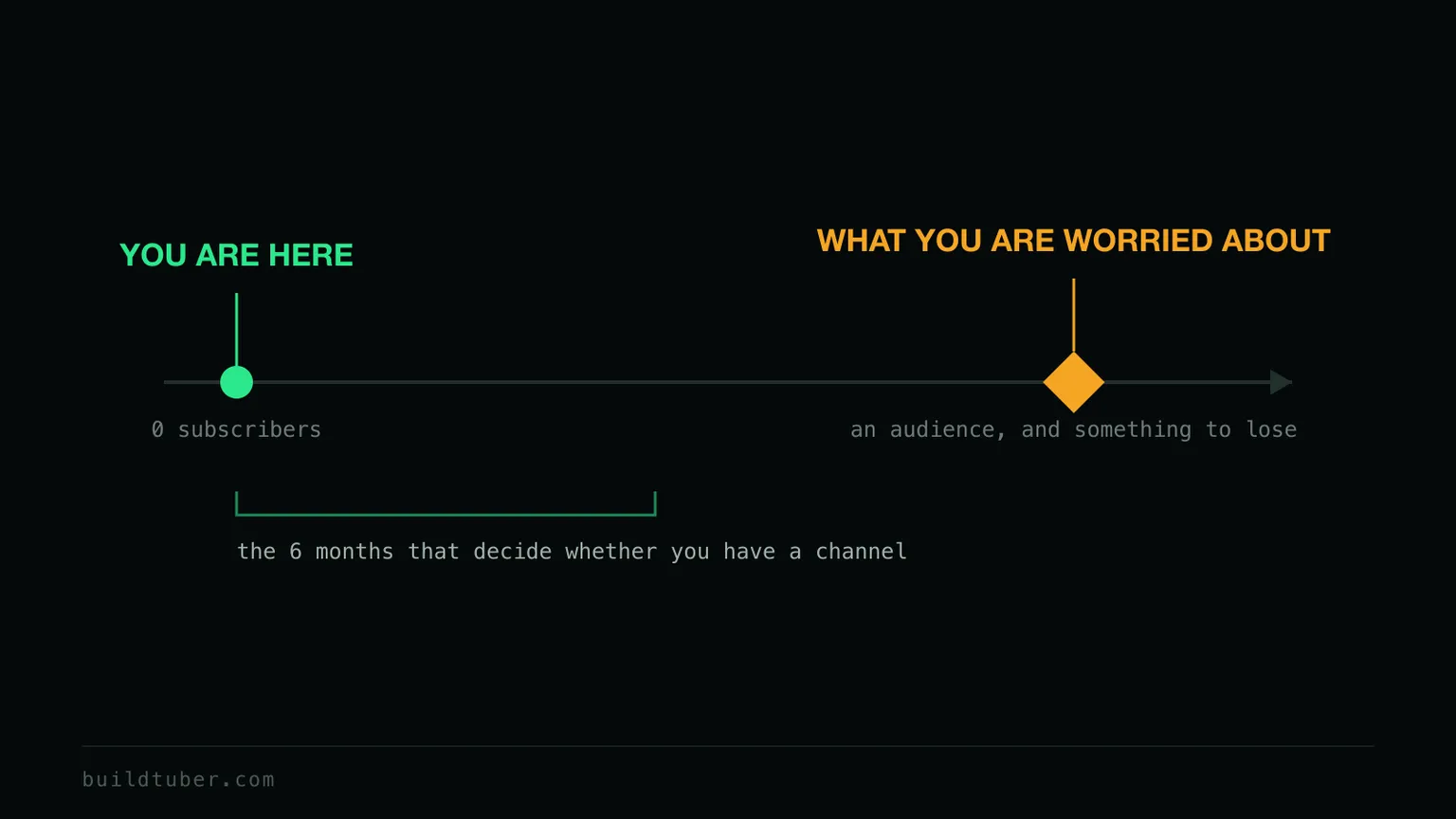
Do not spend your first 6 months worrying about a problem you do not even have yet. Most demonetisation stories involve channels that have already built a meaningful audience and are generating enough revenue to get noticed. If you are still trying to get your first 1000 subs, your focus should be on learning the platform, not worrying about problems that may never happen.
That does not mean you should ignore YouTube’s policies. Play by the rules from day one. Do not mass produce low effort content. Do not recycle other people’s videos. Put real effort into your scripts, your editing, and your packaging. Use AI as a tool to improve your workflow, not as a way to flood the platform with generic content.
The truth is, nobody outside YouTube knows exactly how every demonetisation decision is made, and the platform continues to evolve. What you can control is the quality of your work and whether you are creating something that people genuinely want to watch.
If you ever become big enough that demonetisation becomes a real concern, that is actually a good problem to have.
9. Your biggest competitor is not another channel
It is yourself. For the first 6 months you will be fighting with your own mind, because it is telling you to quit after every failed upload. Do not get emotionally attached to any one video. Nobody has enough data after one or two videos to know what actually matters.
Your first 20 to 30 videos are not failures if they do not get views. They are your education. Every upload teaches you something about your niche, your audience, your packaging and your workflow. That is knowledge you will keep using for years.
Do not pay for any course
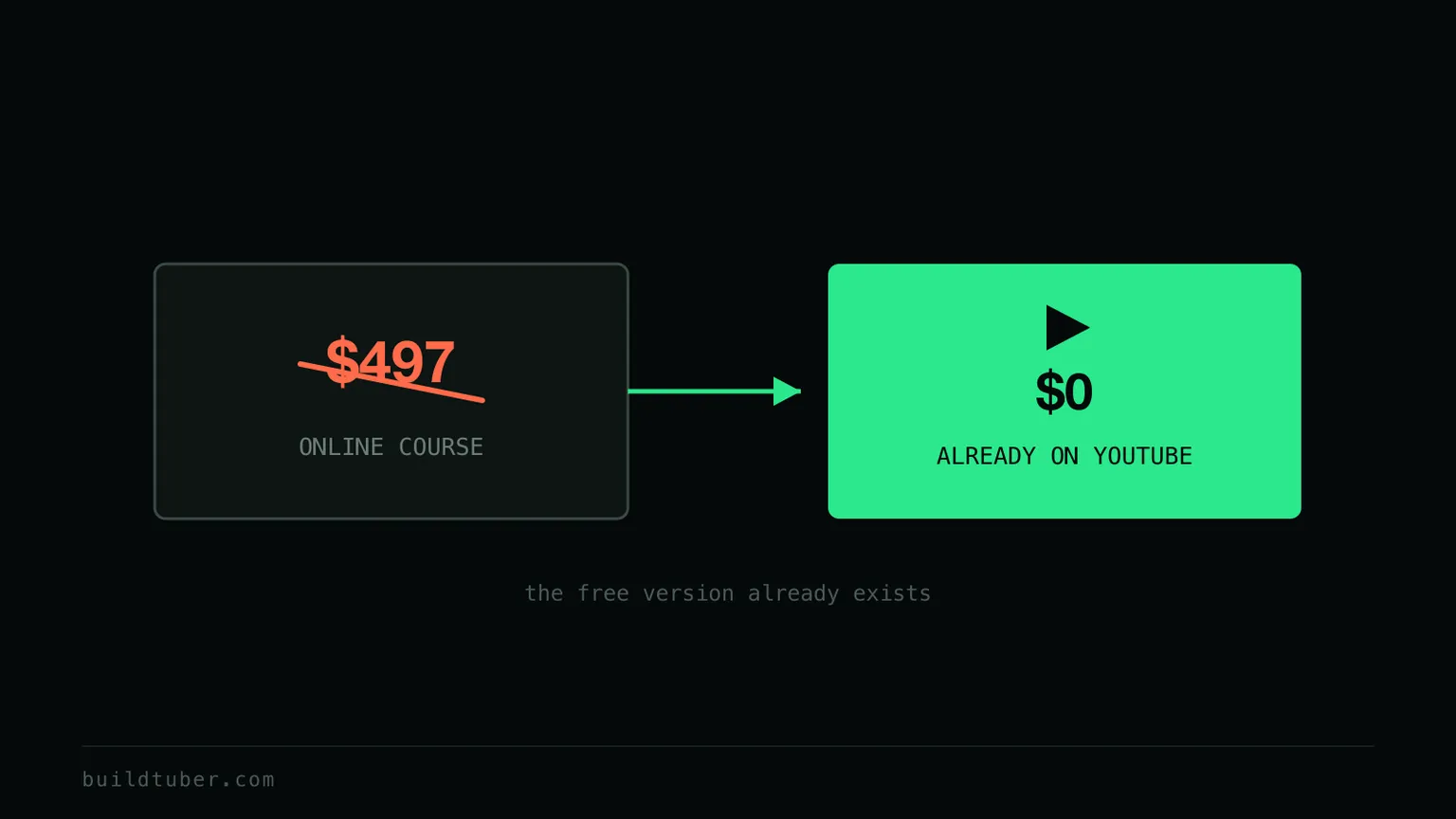
Yes. All the information is available for free on YouTube itself.
What this actually gets you
That is pretty much how I would start if I had to build a faceless channel from scratch in 2026.
Will these methods guarantee success? Absolutely not. YouTube is still incredibly competitive. But I do think it gives you a much better chance than spending weeks chasing the latest AI tool, thinking it is the only way to achieve success.
Treat YouTube like a skill instead of a lottery ticket. Build systems gradually. Learn from every upload. Stay consistent for longer than everyone else. When you do start paying for tools, the question worth asking early is whether you are renting the workflow or own your stack, because that decision gets expensive to reverse later.
More on the same theme in YouTube Growth.
Good luck.
Frequently asked questions
What is a faceless YouTube channel?
A channel where you never appear on camera. The video is carried by the script, the narration and the visuals instead of a presenter. Documentary channels, explainer channels and most sleep and history channels work this way. It is a format, not a trick, and it has been around far longer than the current wave of AI tools.
Do I need a separate Google account for each channel?
No. You can run any number of channels from the same account and it does not really matter. What does matter is that you are not breaking YouTube's rules on inauthentic content or producing content farms of near identical titles and thumbnails. If any one channel gets flagged as inauthentic, your whole account is at risk.
How much does YouTube pay for AI-assisted videos?
There is no separate rate for AI-assisted videos. Once a channel is accepted into the Partner Program, revenue depends mainly on the niche, where the viewers are, advertiser demand, video length and how many views are actually monetised. As a rough example, a long-form psychology channel with a strong US audience might see an RPM of around $3 to $6, though it varies a lot. At a $4 RPM, 100,000 views works out to roughly $400. Finance channels can earn considerably more and are also far more competitive.
How do I target a specific audience?
By going after their problems and interests consistently. Look at what is already trending in your niche and ask whether you can make a better version of it. A useful exercise is to write down 20 questions your ideal viewer would type into YouTube. If your channel answers those questions better than anyone else, the algorithm eventually works out who to recommend you to.
Should I start with AI video or just images?
Start with images. Quick cuts between good still images often look better than mediocre generated video, and they cost a fraction as much. Bring in generated video later, only for the shots where it genuinely adds something.
Is this the same as YouTube automation?
YouTube automation is the search term people use for faceless channels produced with AI assistance, so the overlap is real. The part I would push back on is the implication that any of it runs itself. Every step here still needs a person making decisions. The tools speed up execution, they do not replace the judgement about what to make.
Related guides
- AI Tools & Workflow7 min read
AI YouTube Script Writer: The Five Levels
AI is a poor scriptwriter and a strong assistant. The five levels of using an AI YouTube script writer, from rewriting transcripts to writing it yourself.
- Cost & Economics9 min read
My 90-minute sleep documentaries cost under $1
A 15,000-word Claude script runs about $0.30 on my own key. The section-by-section workflow, the CapCut assembly, and how a YouTube video stays under $1.
- YouTube Growth6 min read
Why YouTube Automation Doesn't Work in 2026 (and What Actually Works)
YouTube automation is easier than ever in 2026, but production is no longer the advantage. Here is what actually matters for a faceless YouTube channel now.
Get the build guides as they go out.
One email when a new guide ships. The full method, not a teaser. Unsubscribe whenever.